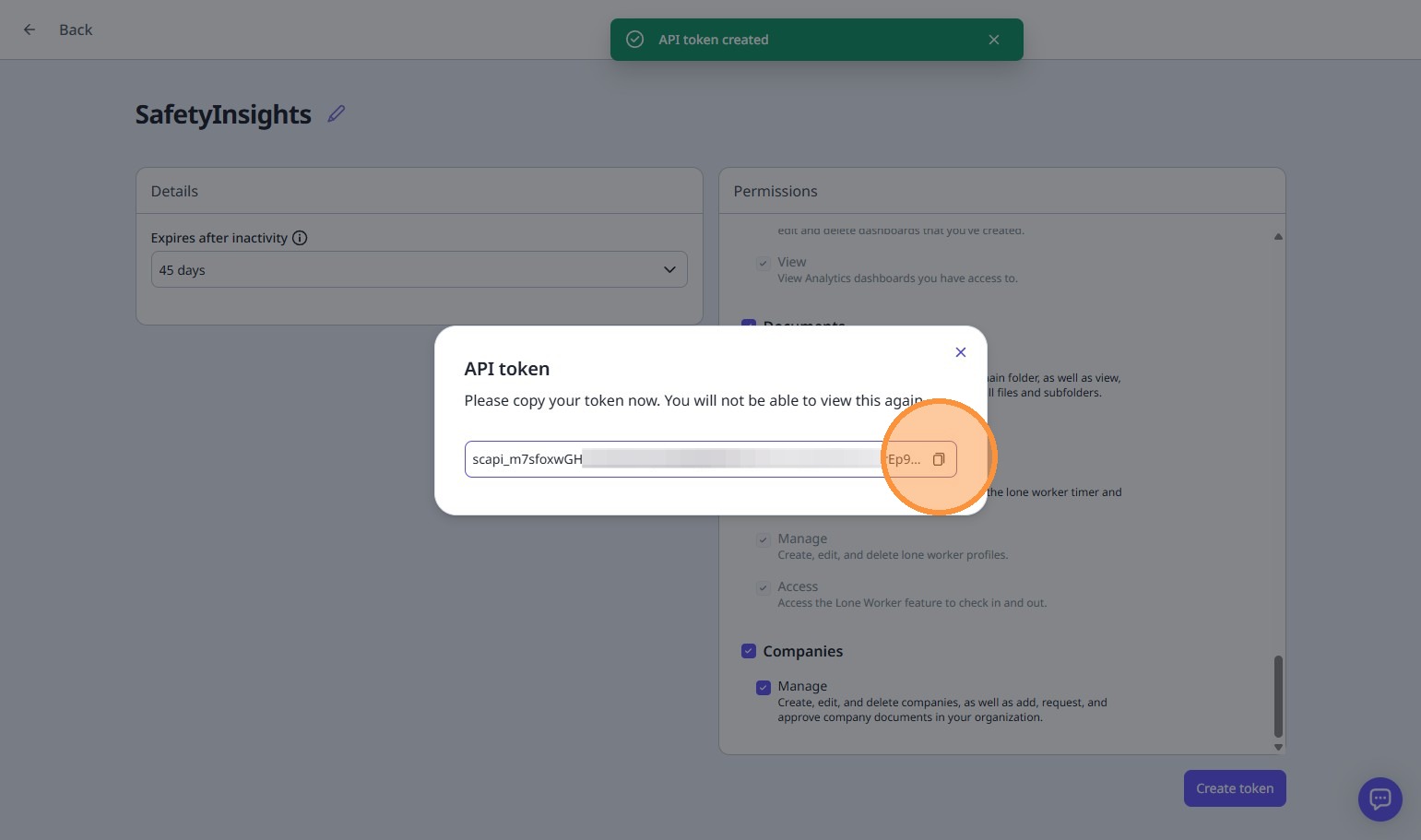
Follow the interactive guide below to learn how to create an API token for SafetyInsights. This guide will walk you through each step of the process to connect your SafetyCulture account to SafetyInsights.
If you can't see the interactive guide above, please click here.
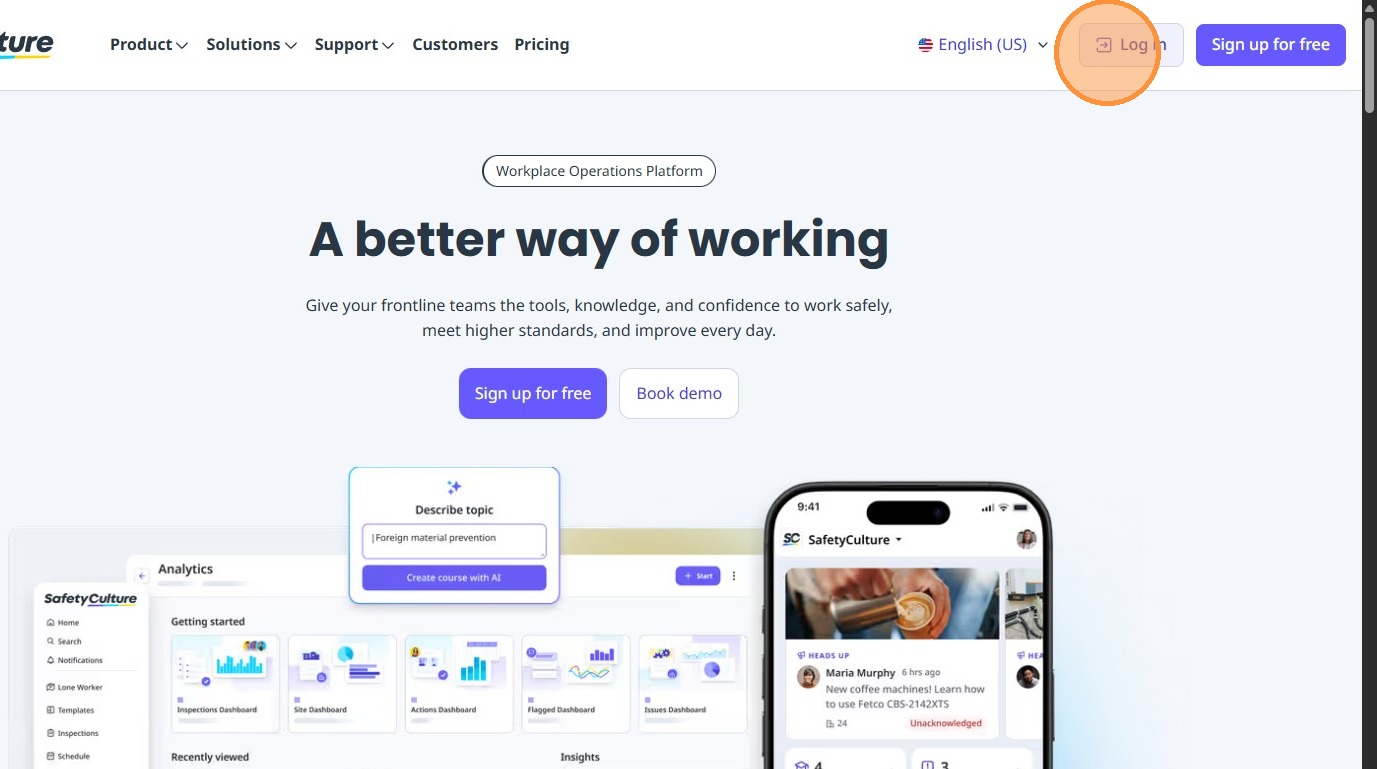
1. Visit https://safetyculture.com and click the 'Log in' button on the top of the menu bar
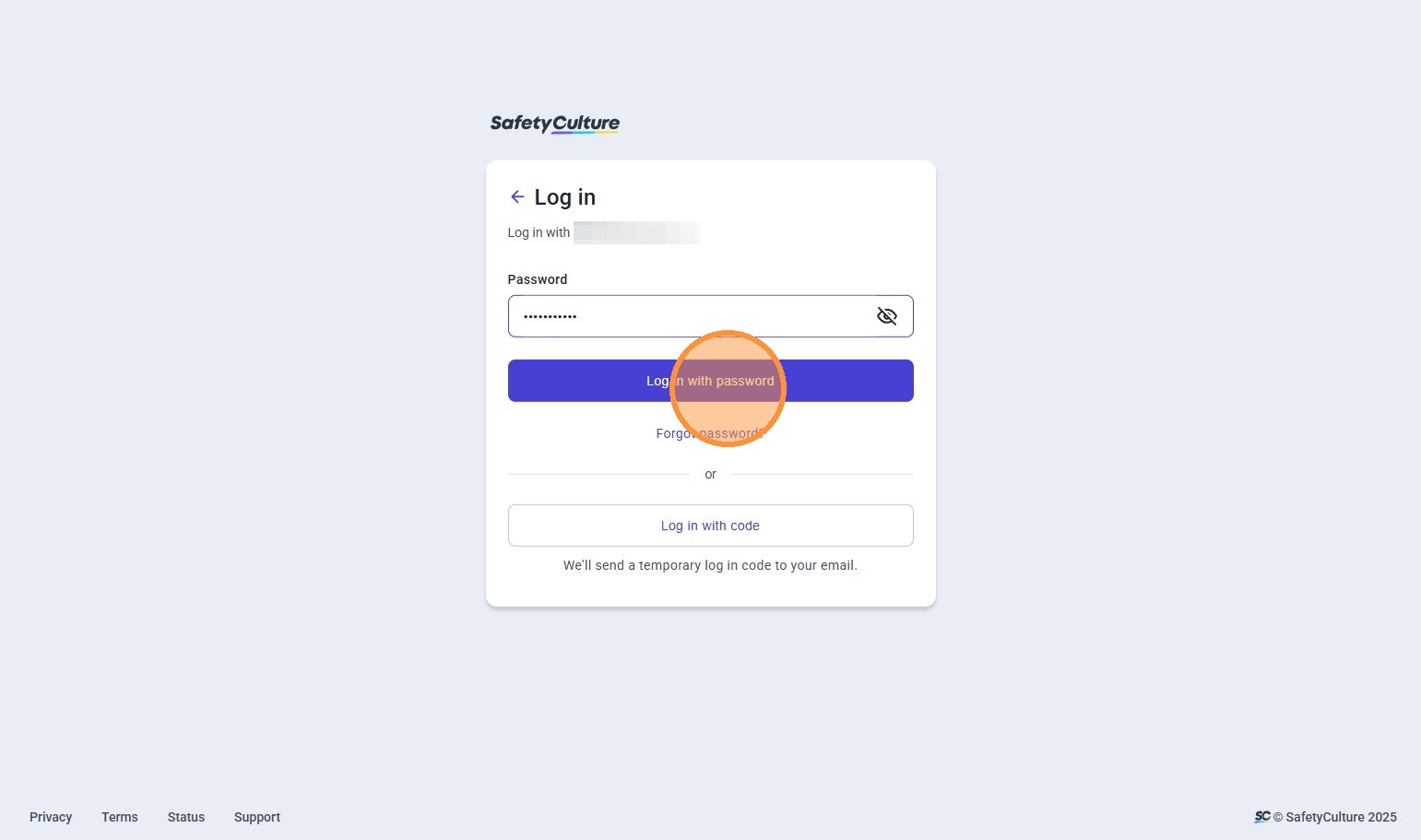
2. Log in with your SafetyCulture email address and password
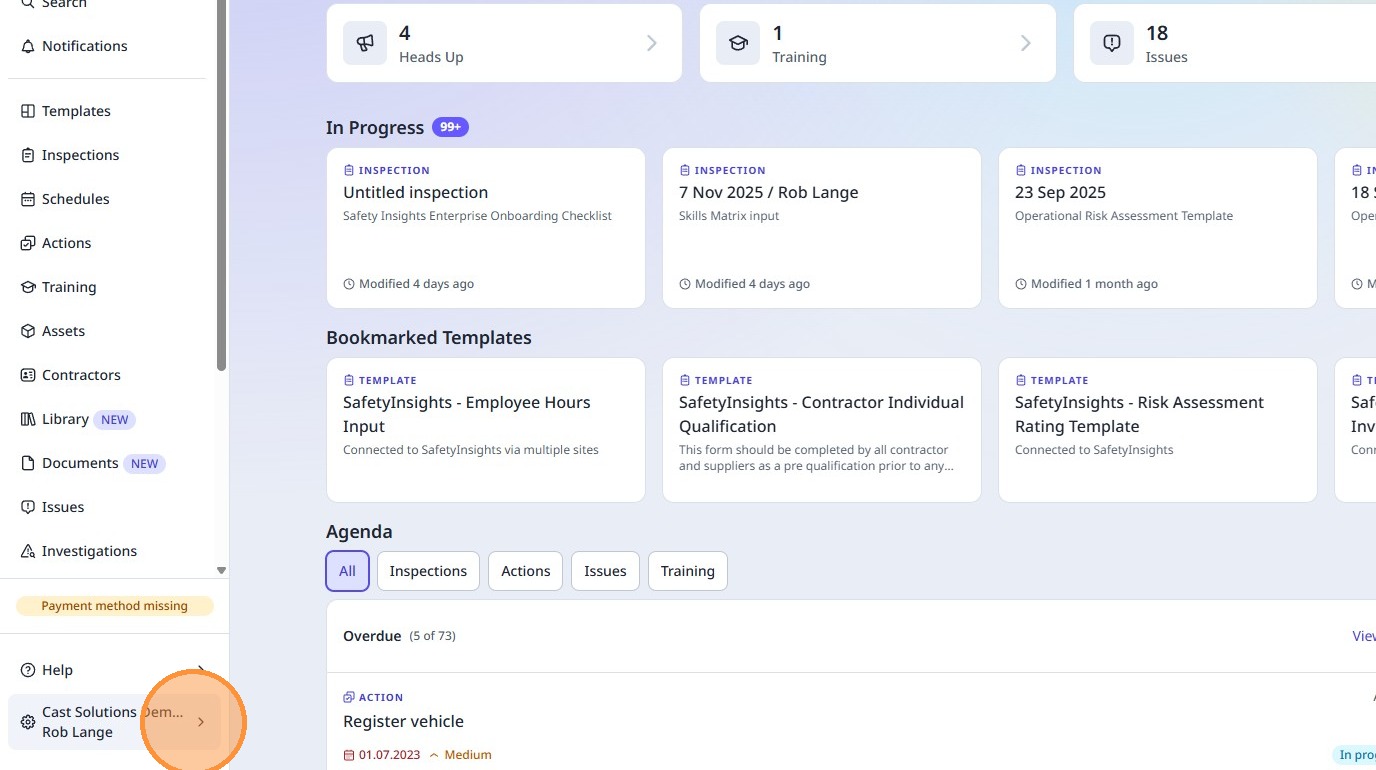
3. Click on the cog on the bottom left hand to show the organization menu
4. Click "Integrations"
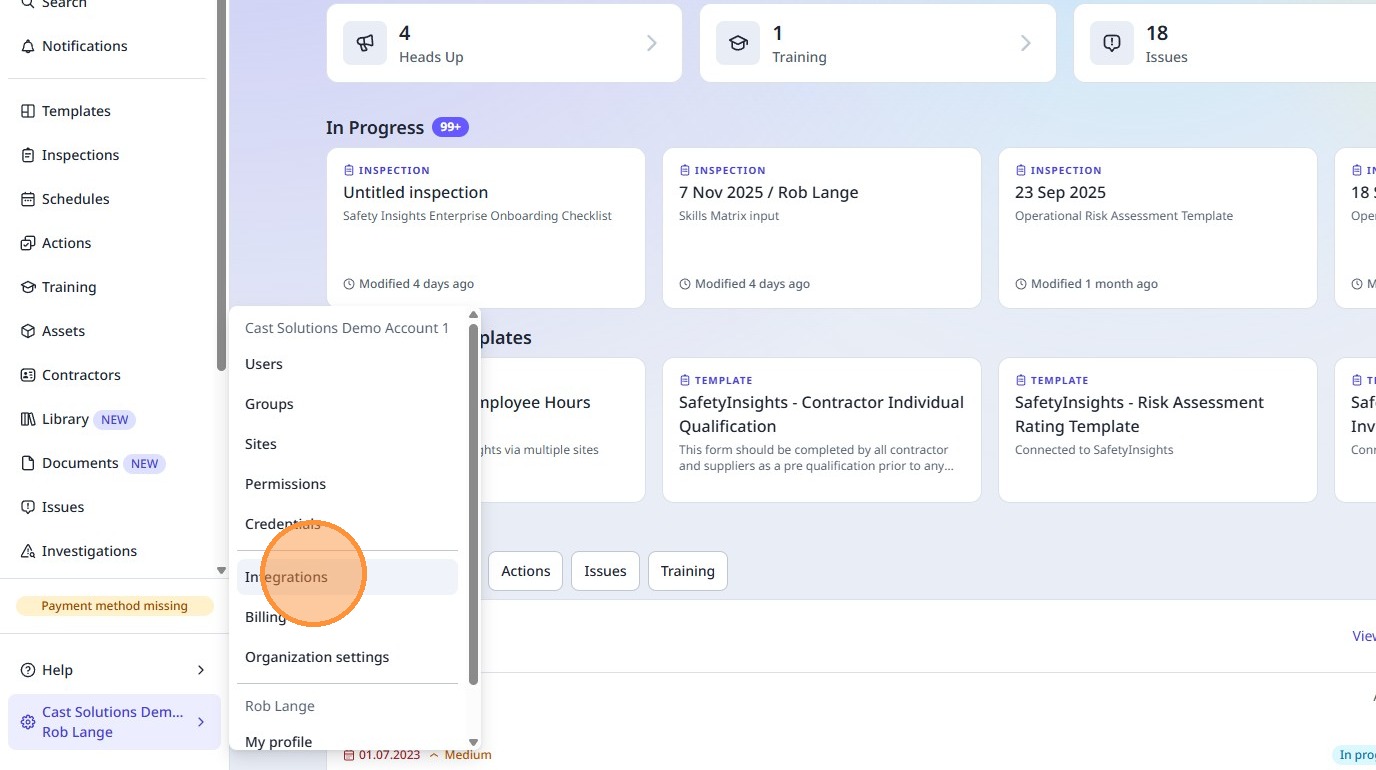
5. Click on the "API tokens" tab
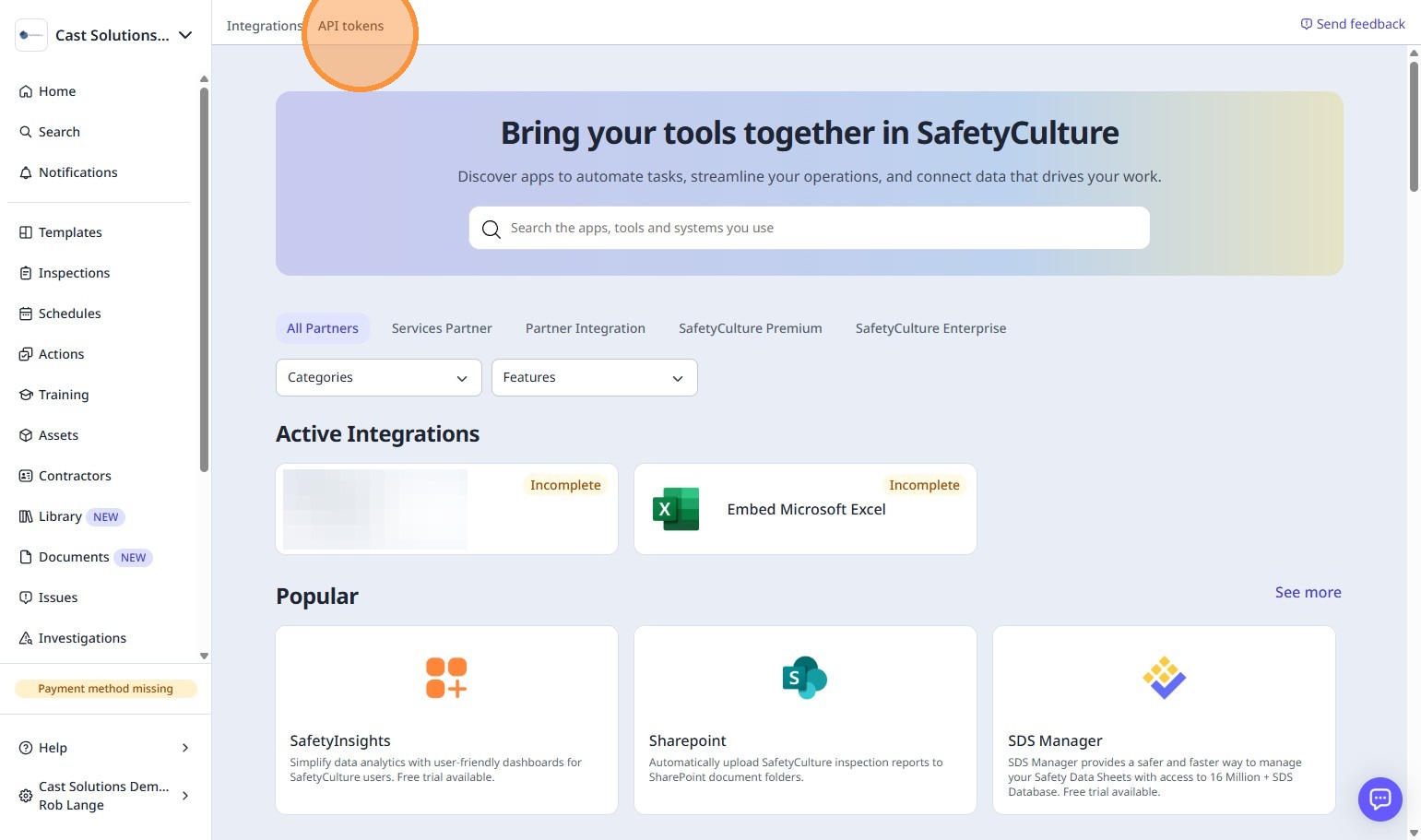
6. Click "Create API token"
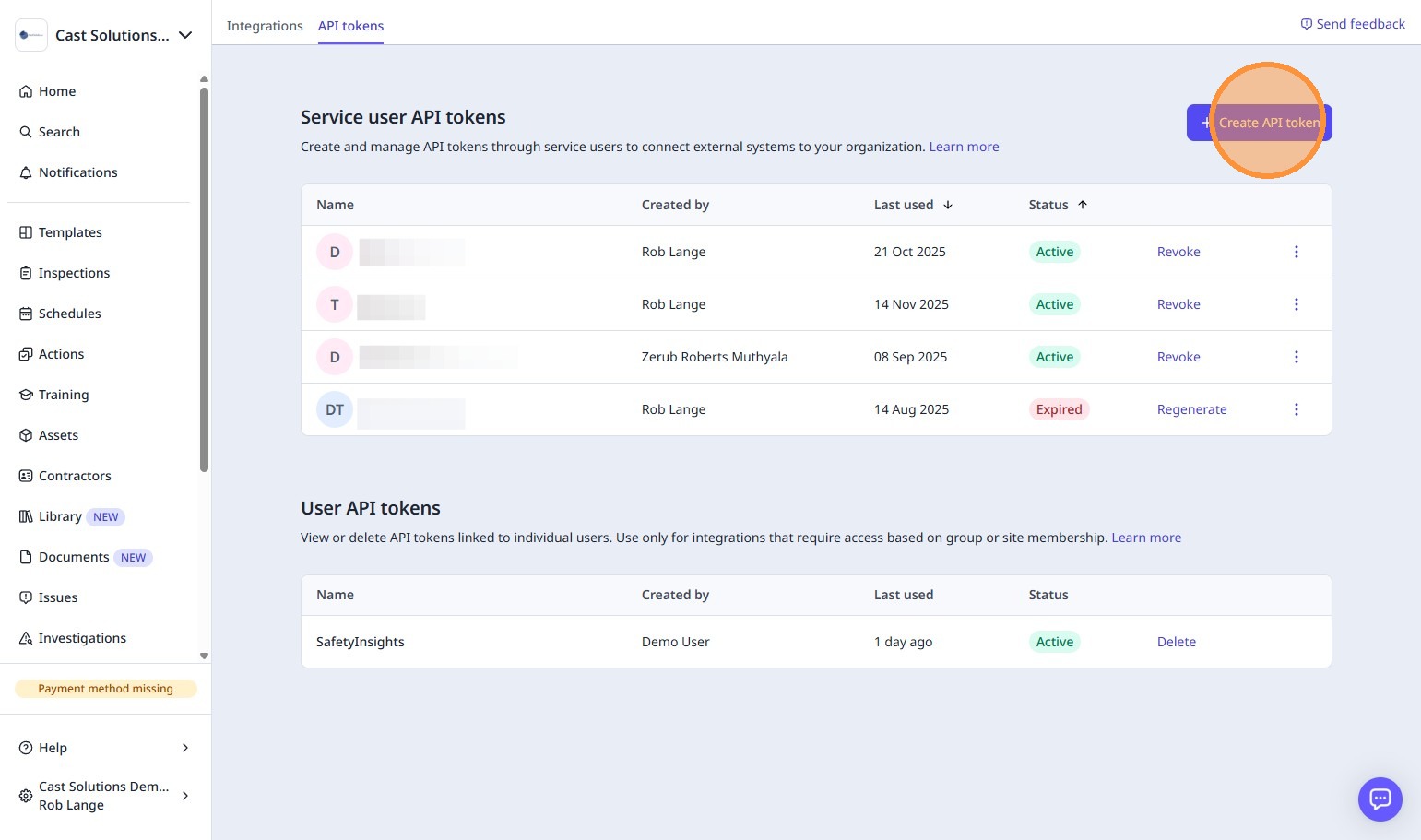
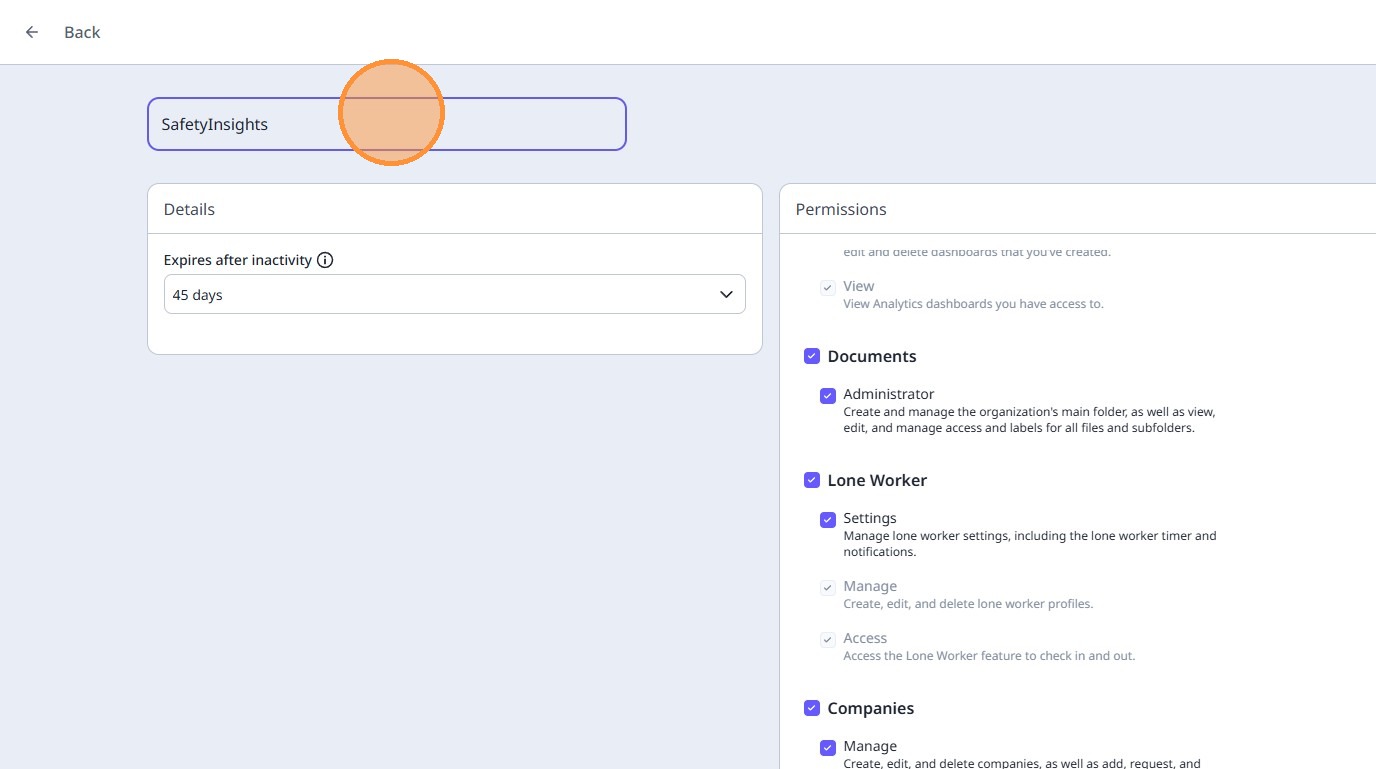
7. On the right side panel under Permissions, make sure all the check boxes are checked
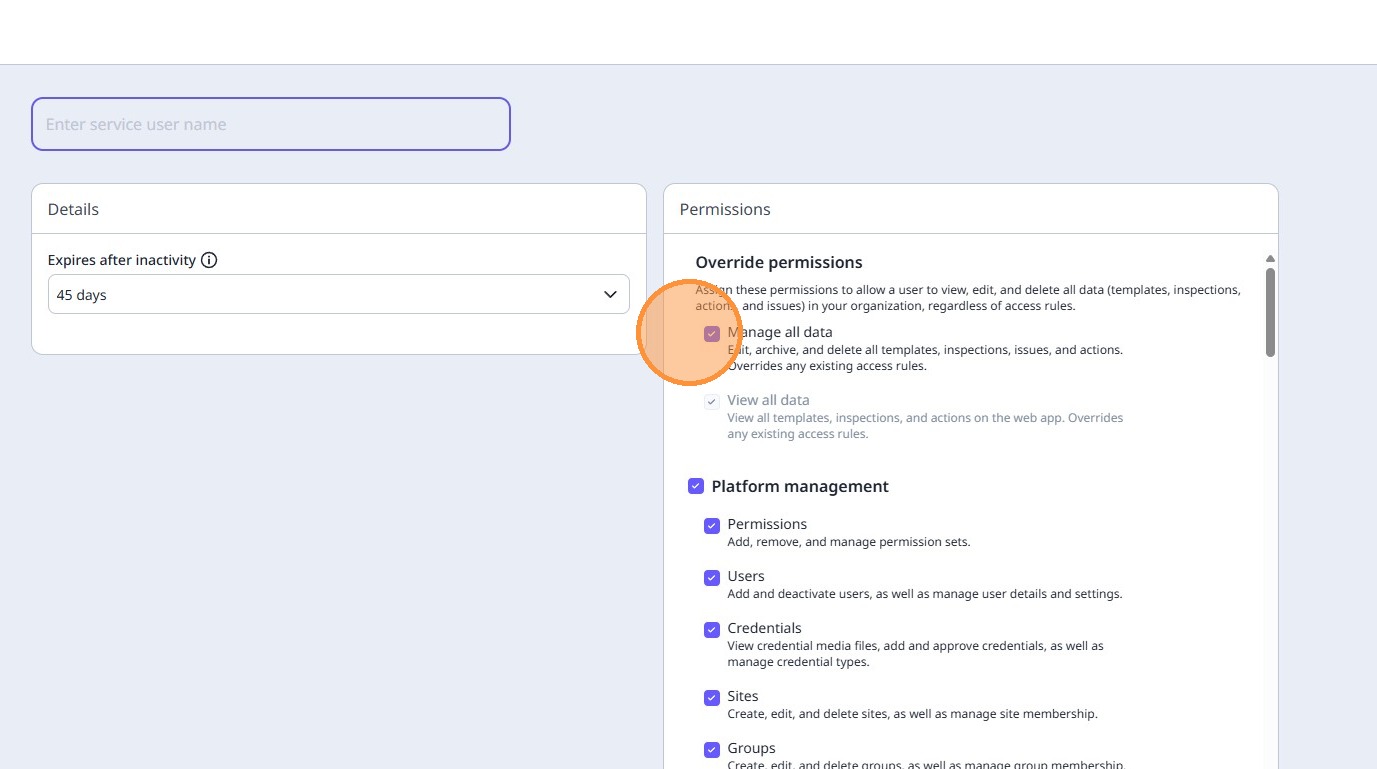
8. In the 'Enter service user name' field, enter "SafetyInsights" and press Enter
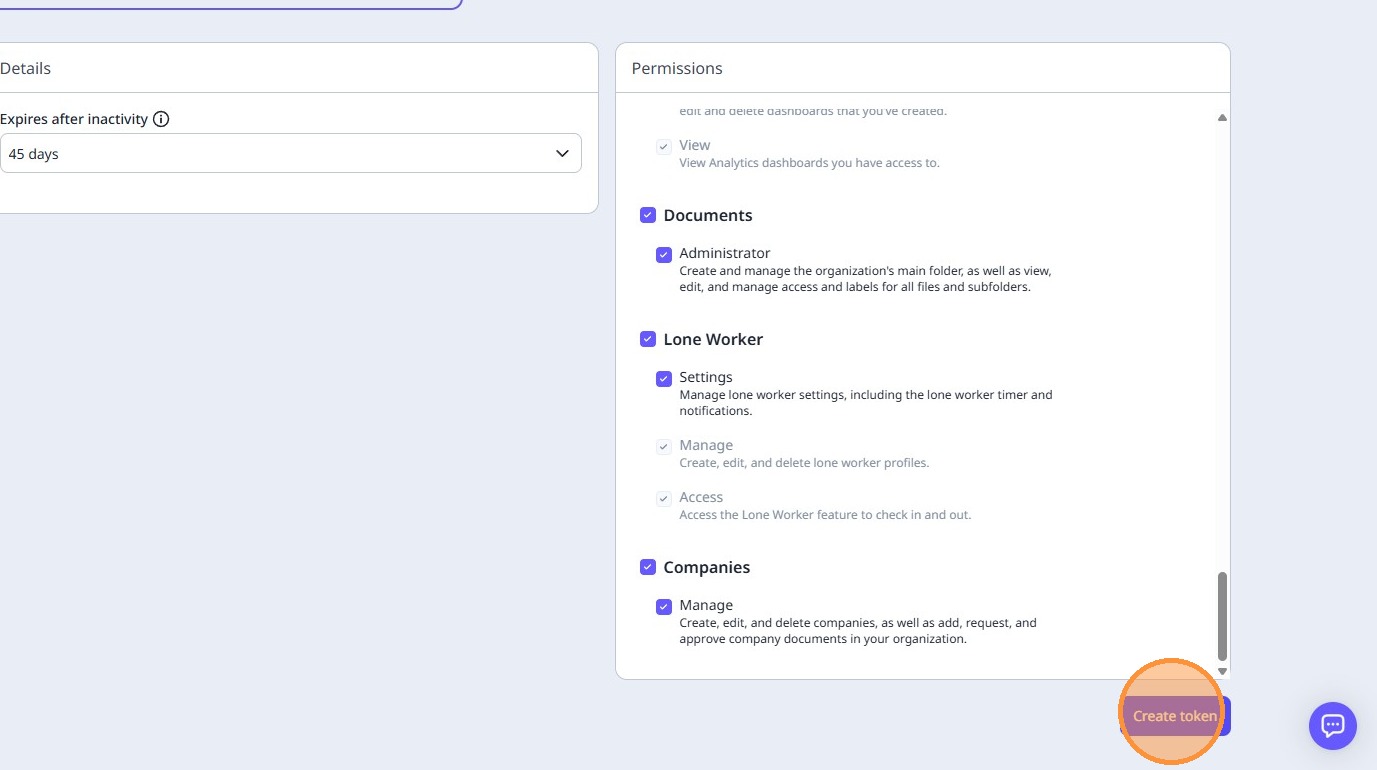
9. Click "Create token"
10. Your API token will be displayed - please note this will only be shown once, so be sure to copy and paste it somewhere safe. We recommend not saving this to your computer after you have provided it to us securely.
Do not send this API token via email, please ensure you only provide it to us when when we request it, and by using the link you receive from us via email, or when prompted during the signup process.